How to Redeem Getaway Crew Codes
Exact prerequisites, UI location, case rules, and troubleshooting when Cash does not appear.
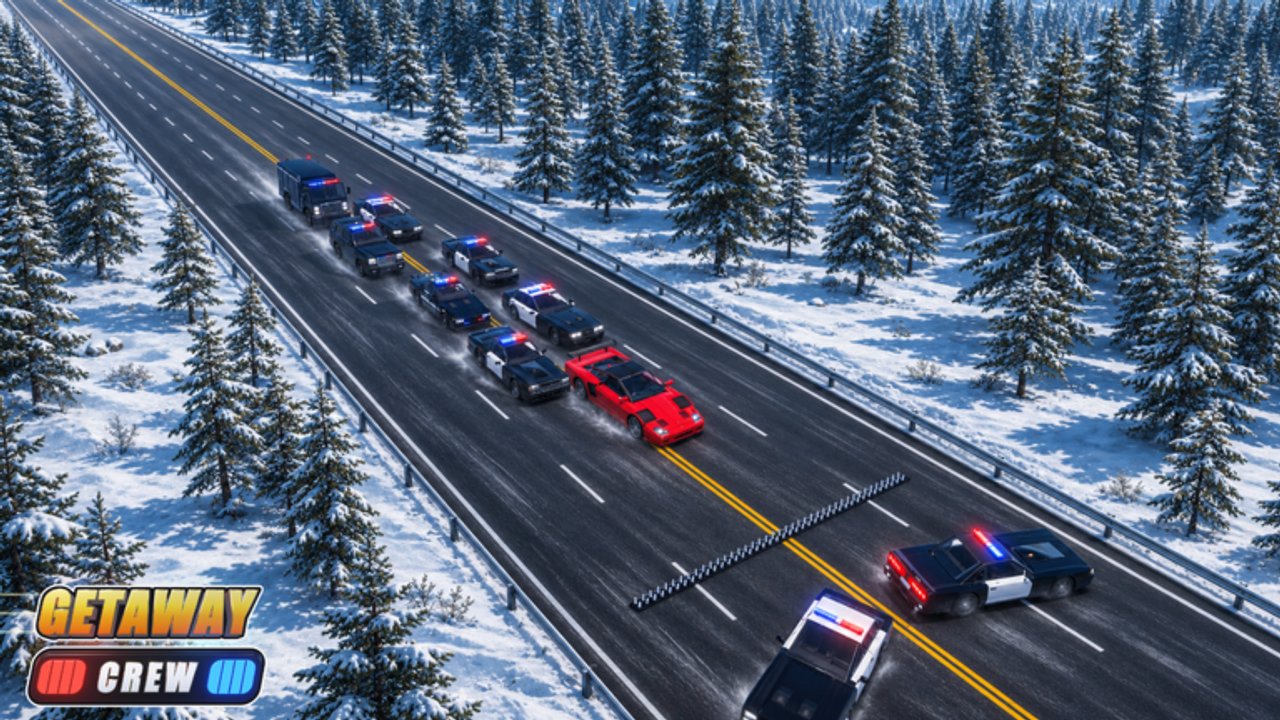
This guide walks through how to redeem Getaway Crew codes without wasting a drop. The game by cc softworks gates promo Cash behind a Like plus community join, then uses a bottom-of-screen entry box rather than a buried settings menu. Follow the order below once, and later redemptions take seconds.
For the live string list and rewards, keep the Codes Hub open in another tab. After you bank Cash, move straight into Getting Started or car upgrades so the currency turns into a stronger getaway vehicle.
Before you type anything
Two requirements must be true on the same Roblox account you will play on:
- Like the Getaway Crew experience on its Roblox game page.
- Join the cc softworks Roblox Community (group).
If either is missing, valid codes often fail with no useful message. Join the group from the community page linked on the game’s social row, then return to the experience and rejoin the server so membership syncs.
Double-check you are not on an alt that never liked the game. Codes bind to the account that redeems them; there is no transfer.
Step-by-step redeem flow
- Open Getaway Crew from Roblox and wait until the main HUD finishes loading. Do not rush the code box during the first second of spawn.
- Confirm your Like and cc softworks group membership if this is your first attempt today.
- Look at the bottom of the screen for the Enter a code text field. On smaller displays you may need to dismiss overlapping prompts first.
- Copy a live code from the Codes Hub when the active table is populated. Do not paste expired history strings such as
SORRYFORBUGSorMORECARS?expecting a payout. - Paste into the box. Do not add spaces before or after. Preserve capitalization and symbols.
- Press the REDEEM button next to the field.
- Watch your Cash total. A successful claim should increase the balance by the reward listed on the hub.
- Clear the field and redeem the next live code. Repeating one already claimed code will not stack rewards.
Mobile players: rotate to landscape if the bottom bar is covered by the Roblox touch controls, then try again. Desktop players: make sure the chat bar is not stealing focus when you paste.
Case sensitivity and punctuation
Getaway Crew treats codes as case sensitive. fixed! is not the same as FIXED!. Punctuation is part of the key. Expired examples from the UPD 3 window show the pattern:
MORECARS?needed the question mark.FIXED!needed the exclamation mark.UPD3SOONandSORRYFORBUGSwere all caps with no spaces.
Those four are expired now — use them only as spelling lessons. Typing from memory is how most “broken code” reports start. Copy-paste from the hub whenever a live string appears.
Troubleshooting checklist
Work through these in order when Cash does not move:
- Spelling — compare character by character with the hub table.
- Like + group — reopen the Roblox page and community membership screen.
- Already redeemed — each code is one claim per account.
- Expired — after a patch window, a string may leave the active list; refresh the Codes Hub.
- Rejoin — leave the server, wait ten seconds, join again, then redeem once.
- Platform lag — if Roblox is under load, wait for the HUD Cash label to finish updating before retrying.
- Wrong experience — confirm the place title matches Getaway Crew /
[UPD 3] Getaway Crew, not a similarly named fan place.
Still stuck after all seven? The code is almost certainly expired or already used. Do not buy “code packs” from random chat sellers — that is a scam pattern.
What to do with Cash immediately
Cash exists to fund vehicle parts and upgrades. A fat balance sitting unused does not help you finish a chase. Prioritize upgrades that improve escape reliability, then refine handling once you can consistently reach the criminal base. Our car upgrades guide covers spend order; the best cars page ranks getaway performance for the UPD 3 meta.
Duo crews should decide who banks the Cash for shared planning even though each player redeems on their own account. Talk before the heist so the driver’s car is actually upgraded — see duo roles.
Codes after updates
Major titles like UPD 3 often ship with apology or hype codes. The UPD 3-era set (UPD3SOON, FIXED!, SORRYFORBUGS, MORECARS?) is now expired. When UPD 3 notes or a newer title tag land, expect the redeem UI to stay the same while the string list changes. Bookmark this how-to so you only need the hub for live keys.
Common myths
- Myth: You must finish a heist before codes work. Fact: Requirements are Like + group + correct entry.
- Myth: Codes are shared across a duo automatically. Fact: Each account redeems separately.
- Myth: Lowercase always works. Fact: Case and punctuation matter.
- Myth: Third-party websites can redeem for you safely. Fact: Only redeem inside the official game UI.
Related reading
Redeem carefully, invest Cash into a car that can finish the getaway loop, and you will feel the difference on the next bank job.
Frequently Asked Questions
Quick answers to the most common Getaway Crew questions.
Where is the code box in Getaway Crew?
Use the Enter a code field at the bottom of the screen, then press the REDEEM button. It is not buried inside a separate shop tab.
Do I have to join a group to redeem codes?
Yes. Like the game and join the cc softworks Roblox Community before codes will accept on your account.
Are Getaway Crew codes case sensitive?
Yes. Type them exactly as listed, including capitals and symbols such as ? or !.
Can I redeem the same code twice?
No. Each promo code typically grants its Cash reward once per Roblox account.